
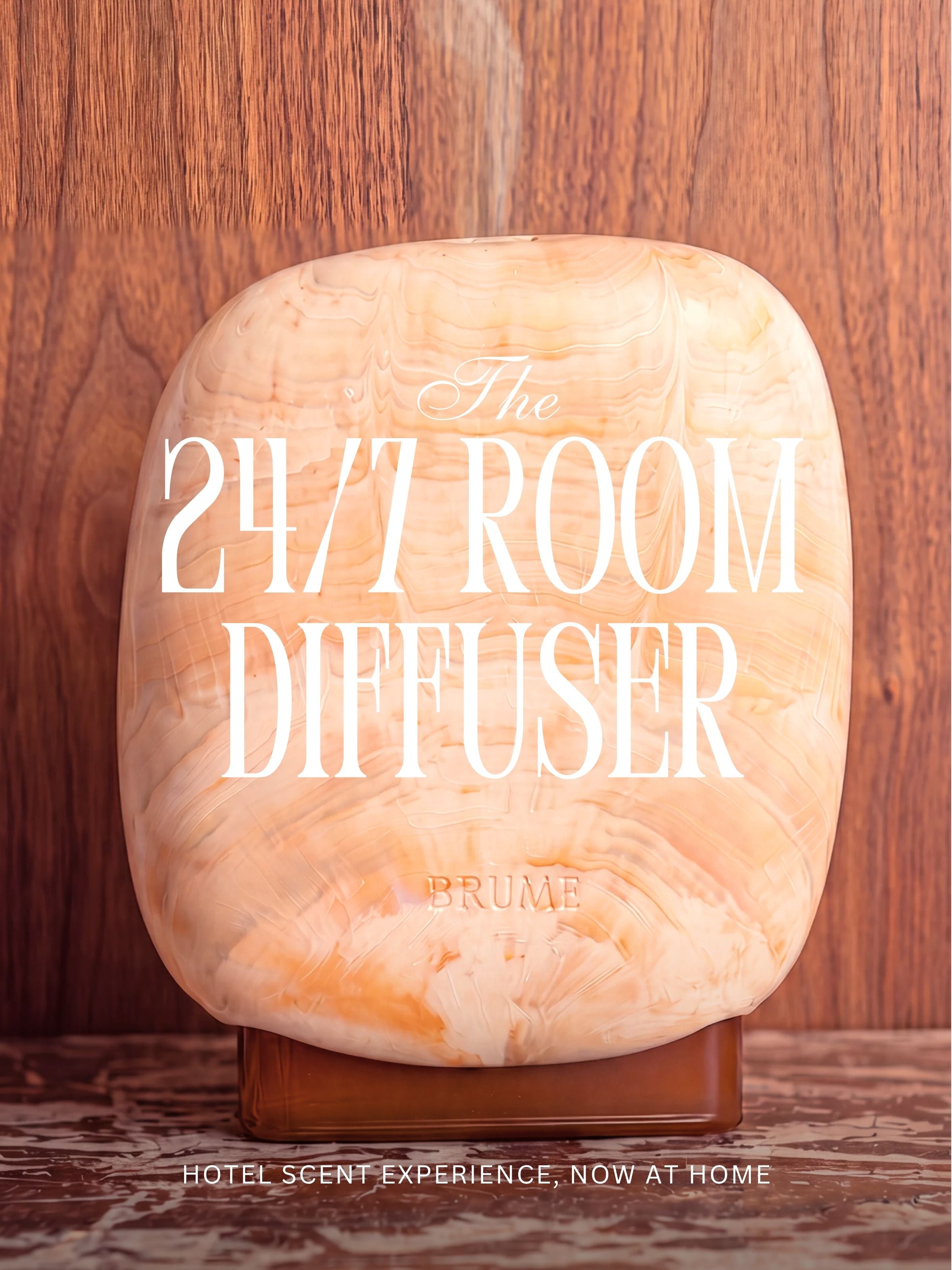


Setup the 24/7 Room Diffuser
Congratulations on making an exceptional choice. By bringing Brume into your place, you have joined a community that celebrates the art of creating a truly unique atmosphere.
Step 1 - Download the App
Please note that the 24/7 Room Diffuser works without the app, but the app lets you adjust the intensity and schedule when it runs.
Let us guide you in transforming your space into a haven of elegance and comfort with your very own scent experience.
|
For iPhone users:
|
For Android users:
|


Step 2 - Insert your scent
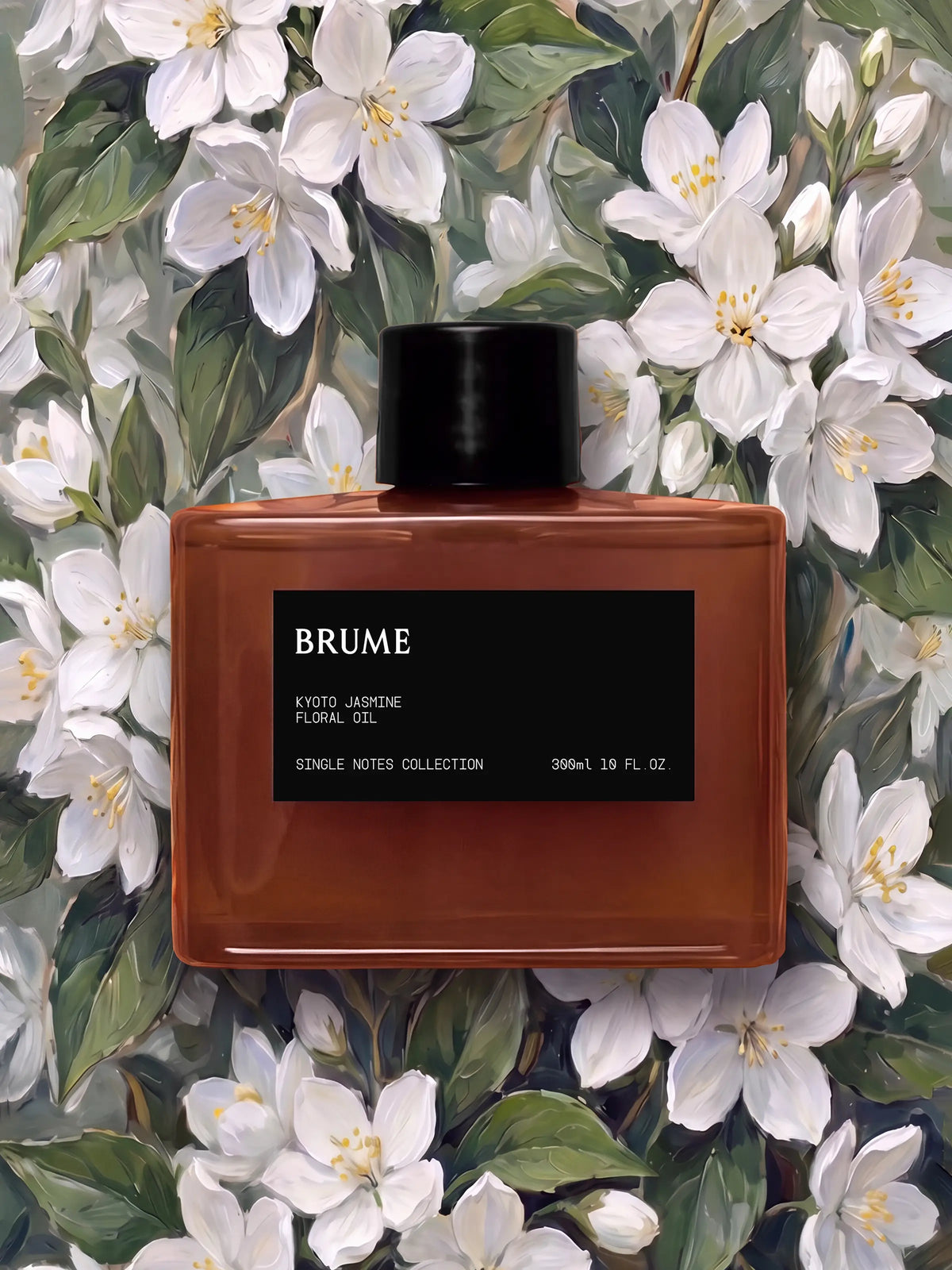
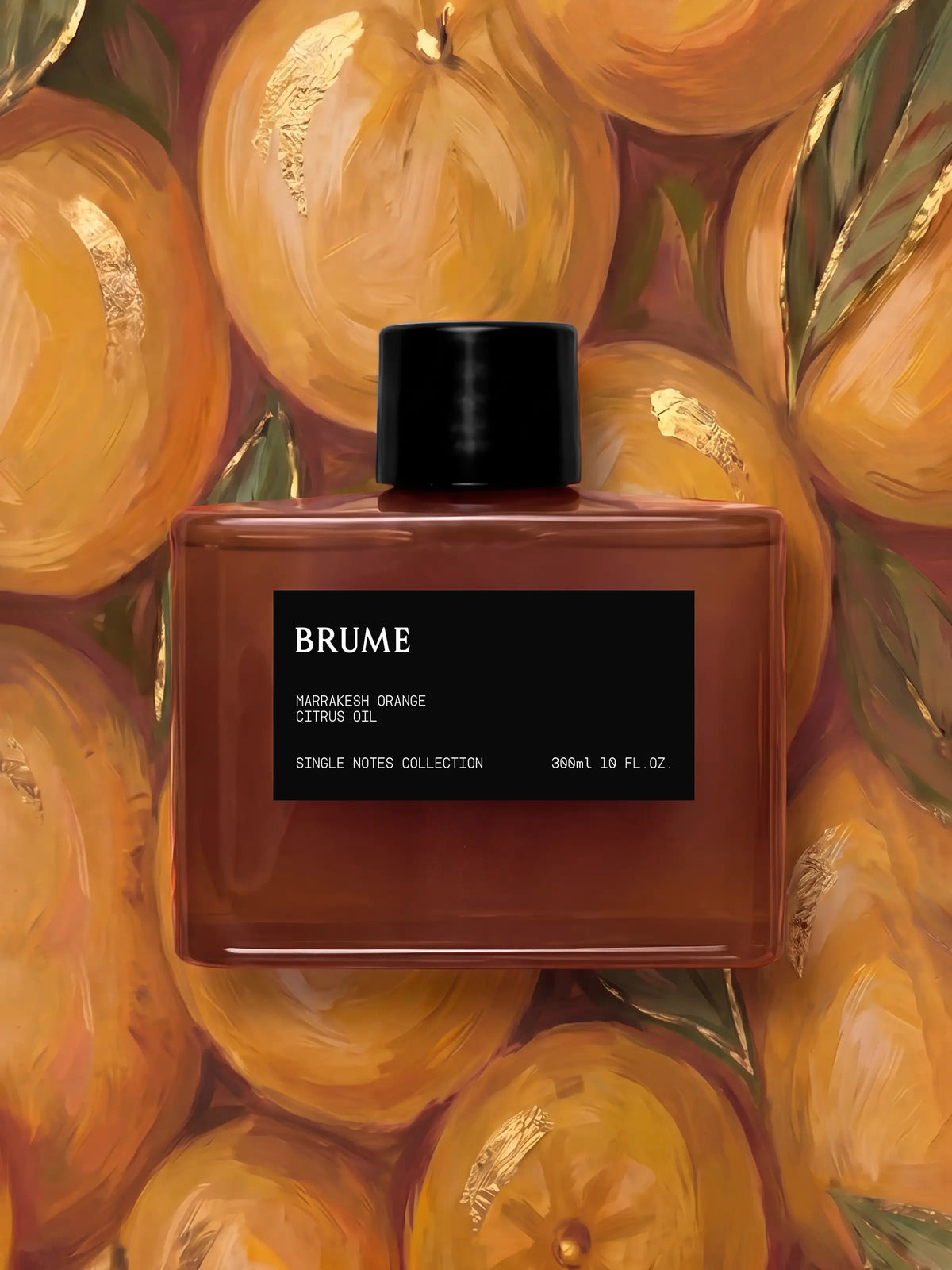
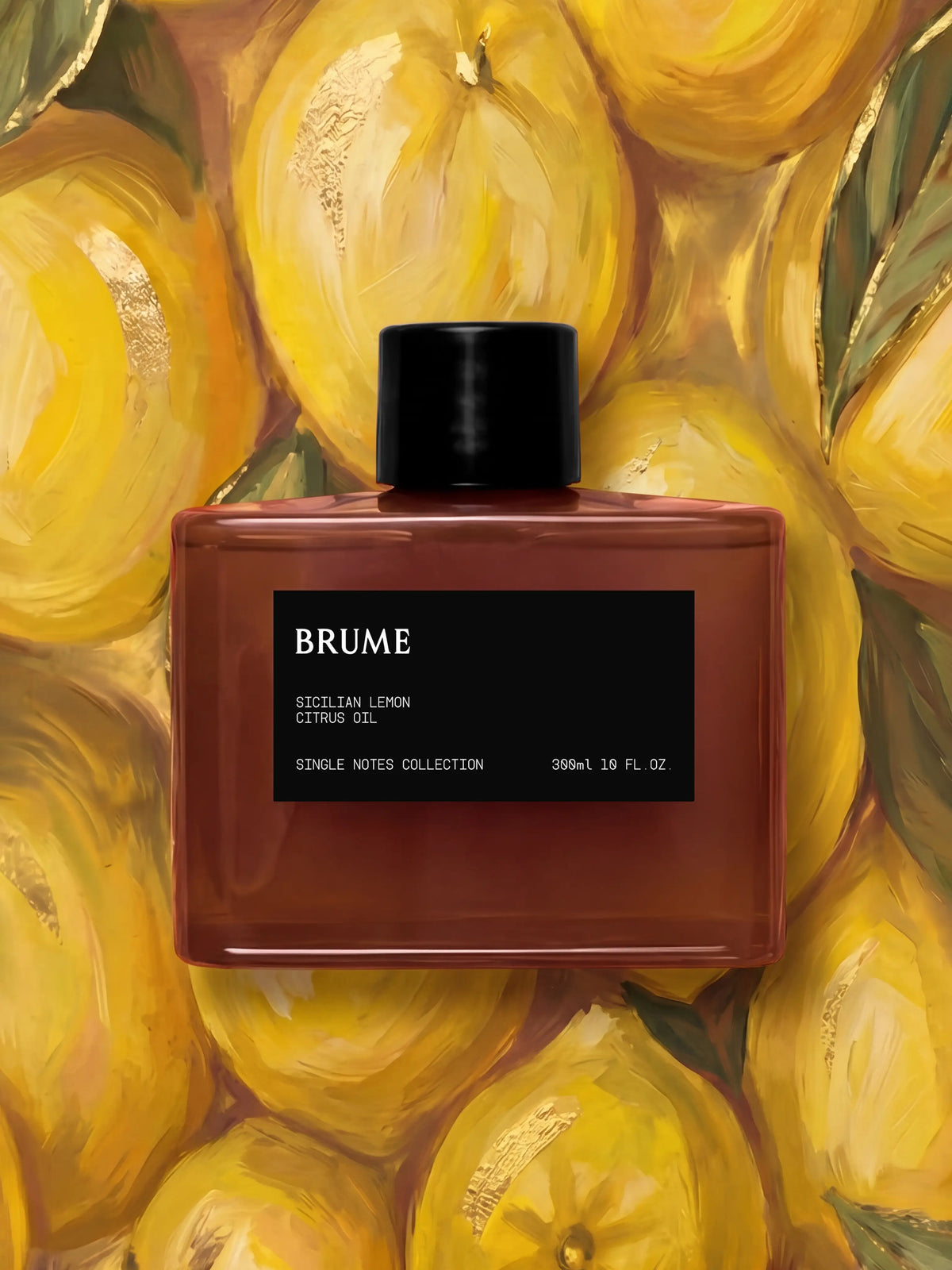
Remove the cap from your scent cartridge. Check that both o-rings are present on the cartridge neck. Then insert the clear tube into the cartridge. At the end of the insertion, you should feel a slight resistance — that's the o-rings sealing against the body.
Step 3 - Choose the perfect spot
We highly recommend choosing the perfect spot for your diffuser to maximize its impact on your scent experience.
Avoid placing it in corners, as this can hinder the scent from distributing to its full potential. Instead, we suggest positioning the diffuser in a central area of the room for optimal fragrance diffusion.
Make sure the diffuser is positioned high enough for the mist to reach nose level in the room. We recommend using a side table, countertop, desk, or any surface of a similar height.
Step 4 - Power on the diffuser
Plug in the diffuser to charge and power it on.
• Red light: The battery is low, and the diffuser needs to be charged.
• Orange light: The battery has enough power but is unplugged.
• Green light: The battery is charged above 90%.
Step 5 - Bluetooth pairing
Double-tap the power button to activate pairing mode. Once the light begins flashing blue, you will have 30 seconds to pair the device within the Brume 24/7 app.
Ensure that Bluetooth is enabled on your phone before attempting to pair.
Step 6 - Control Intensity
From the app, you can choose between 5 scent intensity levels.
- Very low
- Low
- Medium
- High
- Very High
Tech-savvy users can switch to Advanced Mode to fine-tune the spray and pause durations, and even go beyond the "Very High" setting.
While Advanced Mode is available, we recommend sticking to the 5 default levels, as higher settings increase oil consumption and may leave a thin film to wipe off the top of the diffuser.
Step 7 - Schedule
The app also lets you create routines that set when the diffuser starts and stops at your chosen intensity. For a fully scented space, we recommend starting it at least 30 minutes before you use the room.
For example:
- For lavender in the bedroom, if you usually go to bed at 10 PM, start the diffuser at 9:30 PM.
- For lemon in the living room, if you typically wake up at 8 AM, start the diffuser at 7:30 AM.
If you need further help, please contact contact@brume.me.